


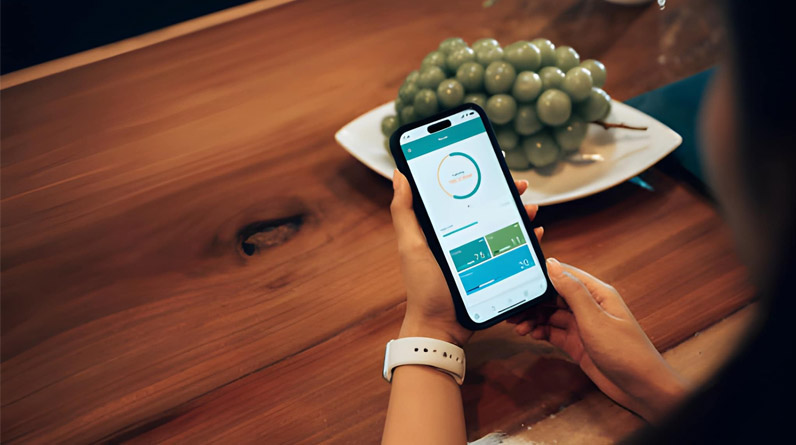
In today’s fast-paced world, mobile productivity apps help manage time, tasks, and work flows efficiently without relying on a desktop. Whether you are a student, professional, freelancer, or entrepreneur, the right productivity apps can streamline planning, focus, and collaboration on the go. This article outlines the most useful mobile apps for productivity, explains what they do best, and offers practical tips on how to integrate them into your daily routine.
Why Mobile Productivity Apps Matter
Mobile apps can turn a smartphone into a portable productivity hub. From organising your day and tracking tasks to collaborating with teams and reducing distractions, productivity apps help you work smarter and stay focused. Many integrate with cloud services so your data syncs across devices, and several now use AI to automate repetitive work.
Top Mobile Apps for Productivity
1. Todoist – Task Management & Planning
Todoist is a leading to-do list and task manager that balances simplicity with powerful features. It helps you organise personal tasks, create recurring reminders, and prioritise work using labels and filters. Its clean interface and natural language input make it easy to add and plan tasks quickly.
2. Google Calendar – Schedule & Time Management
Google Calendar is a go-to scheduling app for many users. You can plan events, set reminders, link tasks with Gmail, and view your day at a glance. Shared calendars make it ideal for team coordination or family planning.
3. Google Drive – Cloud Storage & Collaboration
Google Drive packages cloud storage with document creation and collaboration through Google Docs, Sheets, and Slides. It’s especially valuable for students and professionals who need to work on files across locations and devices without losing changes.
4. Notion – All-in-One Workspace
Notion combines notes, databases, project boards, and calendars into one flexible workspace. You can customise dashboards, plan projects, track goals, and collaborate with others. Its versatility makes it a favourite among creators, teams, and planners.
5. TickTick – Tasks with Time & Habit Tracker
TickTick provides robust task management features along with built-in timers, habit tracking, and a calendar view. Its focus timer uses techniques like Pomodoro to help you work in distraction-free intervals.
6. Forest – Focus & Distraction Control
Forest turns focused work sessions into a game: plants grow while you stay off distracting apps. It’s a simple yet effective way to build better focus habits and reduce phone interruptions during study or work.
7. ChatGPT – AI Assistance & Writing Help
ChatGPT’s mobile app brings the power of an AI assistant to your pocket. It can generate ideas, draft texts, summarise information, answer questions, and assist with planning. Its context-aware assistance makes everyday tasks faster and smarter.
Choose Based on Your Productivity Needs
Not all productivity apps serve the same purpose. Here’s how to choose what’s right for you:
- Task Lists & Daily Planning: Use Todoist or TickTick to stay on top of daily work and deadlines.
- Scheduling & Calendar Sync: Google Calendar keeps your appointments and reminders aligned.
- Collaborative Work: Google Drive and Notion are great for shared projects and team collaboration.
- Focus Enhancement: Use Forest or in-built focus timers to reduce distractions and improve concentration.
- AI Assistance: ChatGPT helps with writing, summaries, and quick insights that save time.
Practical Tips for Productivity Success
If you’re new to productivity apps, here are a few tips to get the most value:
- Start Small: Don’t try too many apps at once. Pick one for task management and one for calendar scheduling first.
- Set Clear Goals: Define what you want to accomplish daily or weekly and review your progress.
- Sync Across Devices: Enable cloud sync so your notes, tasks, and schedules stay updated on all your devices.
- Use Focus Features: Try focus timers or distraction blockers when working on important tasks.
- Review Regularly: Weekly reviews help you see what’s working and adjust your app usage accordingly.
Common Misconceptions About Productivity Apps
Many people assume that using more productivity apps automatically makes them more efficient. In reality, productivity tools only work when you use them consistently and align them with clear goals. Apps should support your workflow, not complicate it. Simplify and customise features to the way you work rather than trying to follow complex setups used by others.
Conclusion
Mobile productivity apps are essential tools for organising your work and personal life. From managing tasks and schedules to maintaining focus and collaborating with others, the right set of apps can help you achieve more with less stress. Experiment with a few, understand your workflow, and choose apps that fit your daily needs to boost productivity every day.